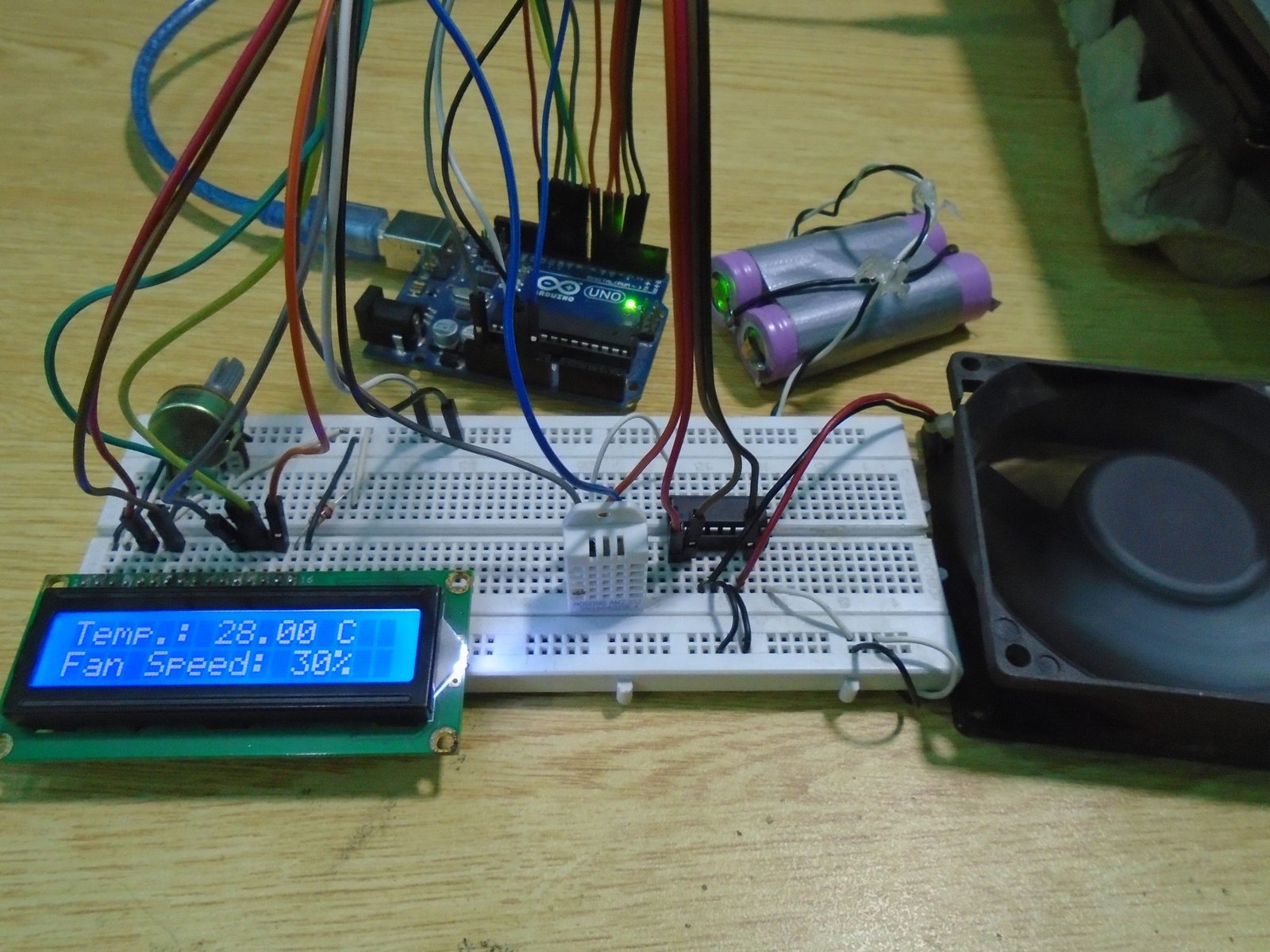
The Temperature-Controlled Fan using Arduino is a simple automation project that adjusts fan speed based on surrounding temperature. Using a temperature sensor, the Arduino monitors the environment and increases or decreases fan speed accordingly.
This project is widely used in homes, server rooms, and industrial setups to maintain a comfortable or safe temperature without manual control. It demonstrates the integration of sensors with microcontrollers for smart automation.
Parts Used:
- Arduino Uno / Nano – Main controller
- Temperature Sensor (LM35 / DHT11 / DS18B20) – Reads temperature
- DC Fan – Cooling system
- Motor Driver / Transistor (MOSFET/BC547) – Controls fan power
- LCD Display (16×2 / OLED, optional) – Shows real-time temperature
- Relay Module (if AC fan is used) – Switches high voltage
- Power Supply (Battery/Adapter) – Runs Arduino and fan


 Got Questions About Your Final Year Project?